Bokningssystemet med många styrkor
Marknadens ledande bokningssystem för restauranger
Från flerstjärniga Michelinkrogar till stora restauranggrupper och små hål i väggen – WaiterAid är bokningssystemet som passar alla, inte minst tack vare vår flexibla prissättning.
Testa gratis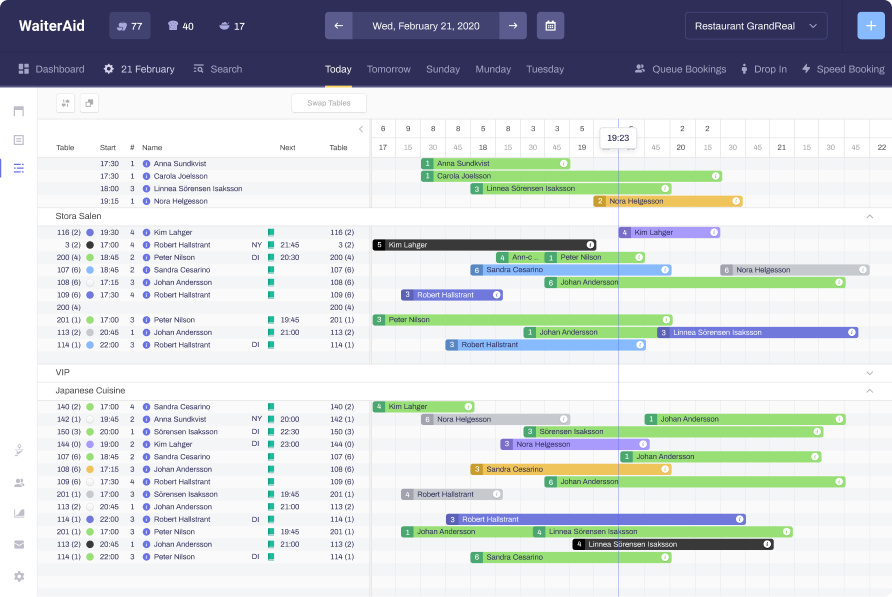
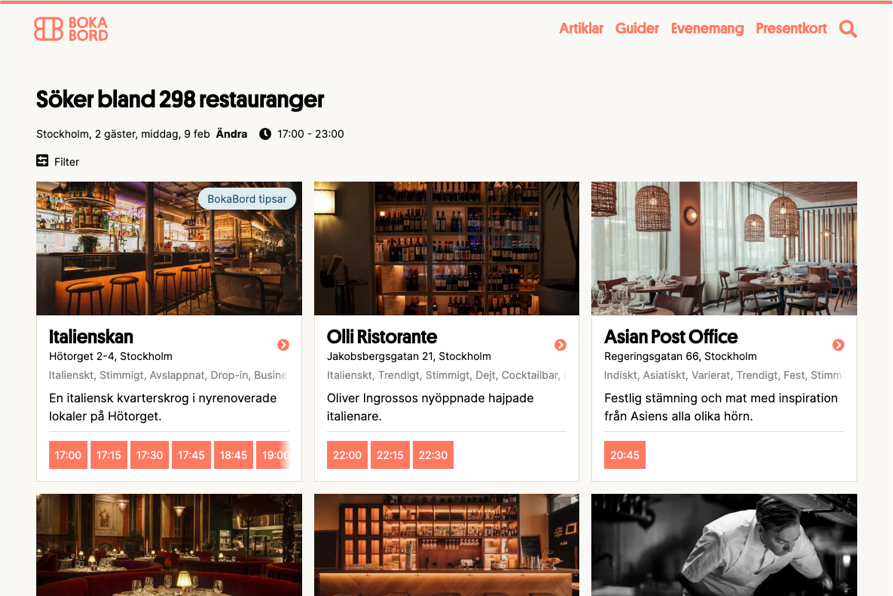












ERFARENHET. LOKAL SUPPORT. BOKABORD.
Varför WaiterAid?
Skälen är många. Vi har inga dolda avgifter, en support som alltid hjälper till och BokaBord – Sveriges enda portal för att söka lediga bord. WaiterAid har vuxit stadigt tillsammans med er restauranger de senaste 15 åren, och med en uttalad ambition att alltid vara restaurangens bäste vän. Så har vi byggt, och fortsätter att bygga, marknadens bästa system för såväl bokning som optimering av din restaurang.
STÖRST BLAND SVERIGES RESTAURANGER
Vår kundlista säger allt om vår produkt
Stjärnkrogar, restauranggrupper och små lokala restauranger. WaiterAid har fått förtroendet att hantera bokningarna åt de flesta av de bästa restaurangerna i hela landet. Ta gärna en titt på vår kundlista.
“ Vi gjorde en noggrann jämförelse mellan olika bokningssystem och det fanns inget annat system som kunde erbjuda liknande funktionalitet. Oavsett pris. ”
Testa gratis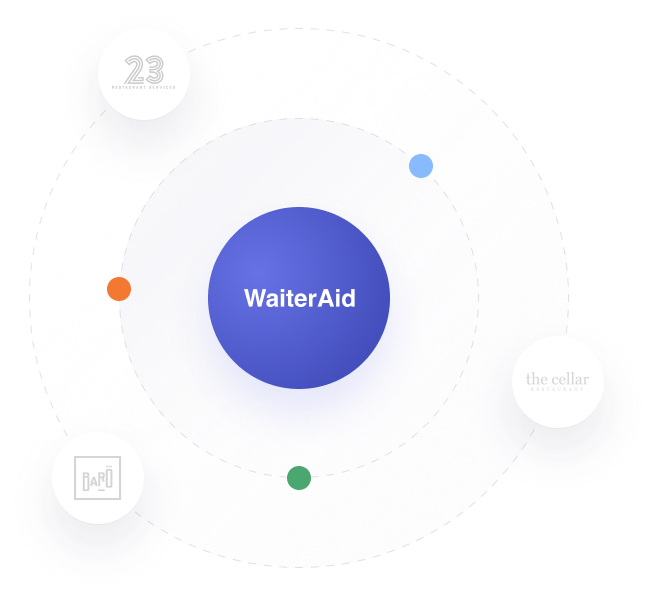
Optimera era intäkter
Fler gäster med små medel
WaiterAid är branschens mest dynamiska bokningssystem. Med det menar vi till exempel att du med rätt inställningar kan få in fler gäster, även när det ser ut som att restaurangen är full. Vi förmedlar även en halv miljon gäster om året via BokaBord till WaiterAid-anslutna restauranger – och det bästa är att det alltid ingår i priset.
“ Kombinantionen av Waiteraid och Bokabord är oslagbar. Då får vi den synlighet vibehöver med ett bra system för att hantera bokningarna. ”
Testa gratis
VI GILLAR KUNDKONTAKT
Överlägsen kundsupport
Vår support är alltid tillgänglig. Vi som svarar i telefon finns i Sverige och sätter stort värde i att hjälpa er när ni behöver det. Support dygnet runt, sju dagar i veckan Snabb lösning på era frågor

24/7 kundsupport

Vi löser dina problem snabbt

Avancerat men enkelt
Ett bra system är enkelt att använda men klarar av en komplicerad verklighet. WaiterAid är utvecklat tillsammans med våra kunders önskemål under lång tid.
Optimera sittningstider
När är en restaurang fullbokad? Vi letar alltid efter smartare lösningar för att få in fler gäster, även när det ser ut som att restaurangen är full.
Lättanvänd app
Med vår app för iOS eller Android hanterar du enkelt dina bokningar på en telefon eller surfplatta.
Inga dolda avgifter
Vi tillämpar en flexibel prissättning, som gör att systemet passar lika bra oavsett storlek på din restaurang. Därutöver har vi inga dolda avgifter, varken i WaiterAid eller BokaBord.
Skapa ett konto och börja med WaiterAid idag!

Testa Waiteraid
Om du ställer höga krav på ett avancerat system som samtidigt är enkelt att använda blir valet enkelt. Gör som de flesta restauranger med ambitioner. Välj Waiteraid.